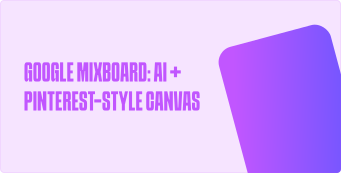
Google is rolling out Mixboard, a new creative AI canvas currently in beta and available only in the U.S. for now.
What Mixboard offers:
- Start with a text prompt or choose from curated boards across styles and themes.
- Upload your own images or generate new ones using Nano Banana under the hood.
- Use natural language commands like “blend these two concepts” or “make it more minimal” to refine visuals.
- Ask for variations, regenerate designs, or request “more like this” to iterate.
- Mixboard supports visual + textual outputs—you can attach captions or descriptions tied directly to your visuals.
Usage caveats & tips:
- The tool is still in beta, so results may be inconsistent.
- Only accessible in the U.S. during this early stage.
- For better results:
- Start with simple, concrete prompts.
- Use seed images when you want a specific aesthetic.
- Once visuals feel stable, add text to maintain coherence.
If you’re in the U.S., you can try it at labs.google.com/mixboard.



.svg)